Get started
Prepare a host, complete the first run and prove the first call path.
Core installation and administration documentation is available to everyone and versioned with every supported release. Advanced paid-module and customer support runbooks follow the active license.
A decision-oriented path through DNS, certificates, SIP/RTP reachability, emergency routing, backups and acceptance tests.
Search every Community guide and panel instruction without knowing where it sits in the menu. Tags include module names, configuration fields and operational tasks.
Understand the RelayPBX 1.0 compatibility boundary before selecting media, web clients or provisioning templates.
Open guidePrepare DNS, network ranges, secrets, TLS and recovery before the first production call.
Open guideBuild a minimal tenant, assign extensions and prove the complete internal call path.
Open guideProve that database, recordings and telephony configuration can be recovered together.
Open guideSeparate core, telephony-engine and add-on releases while preserving a tested return path.
Open guideFollow a Managed order from edition selection and payment through tenant activation, DNS, TLS and first-call acceptance.
Open guideCreate vendor-specific phone configuration without exposing reusable SIP or bootstrap credentials.
Open guideUse a practical, evidence-led checklist to discover, dry-run, cut over and accept a tenant-scoped PBX migration without gambling on production.
Open guidePrepare a host, complete the first run and prove the first call path.
Upgrade safely and prove that protected data can be restored.
Every screen, common workflow and field reference for version 1.0.
Use call-flow, signaling and recovery evidence to resolve field issues safely.
The manual uses screenshots from RelayPBX 1.0, not generic illustrations. Open a guide to see the screen together with its workflow, field reference and acceptance checks.
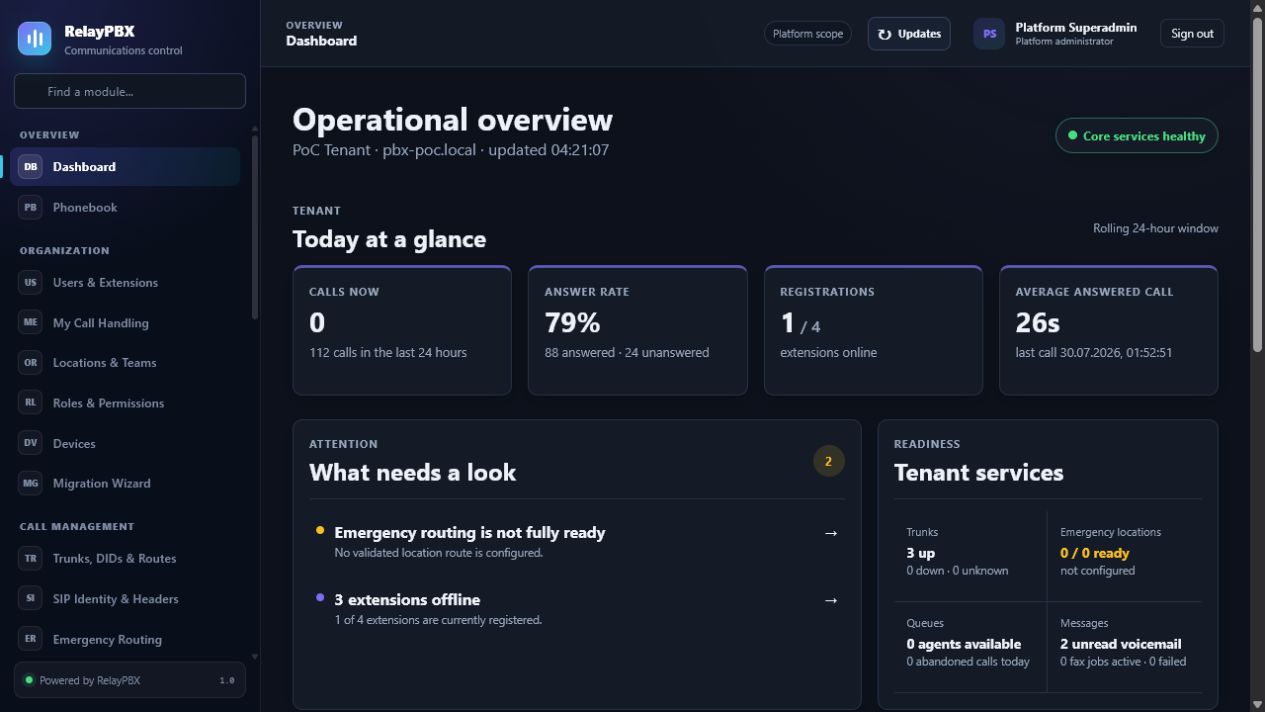 Operational dashboardRead service health and warnings before a configuration change.
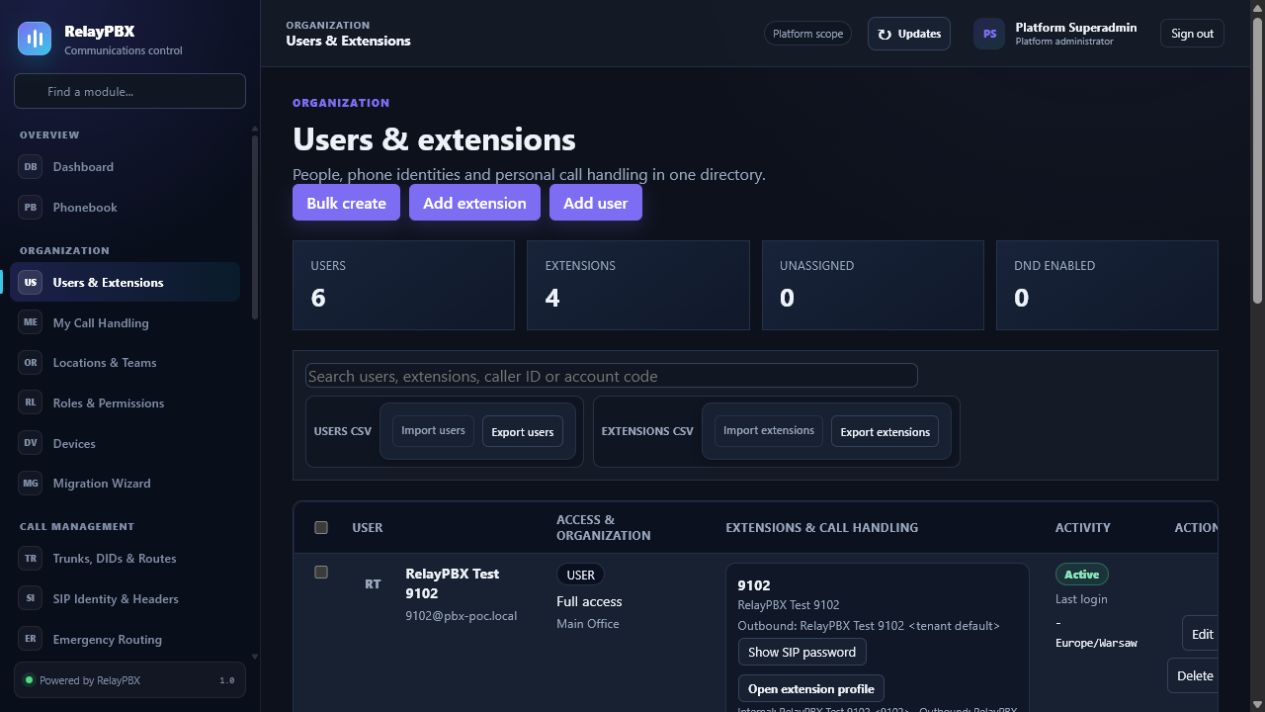 Users & extensionsSee the separation between portal users and SIP endpoints.
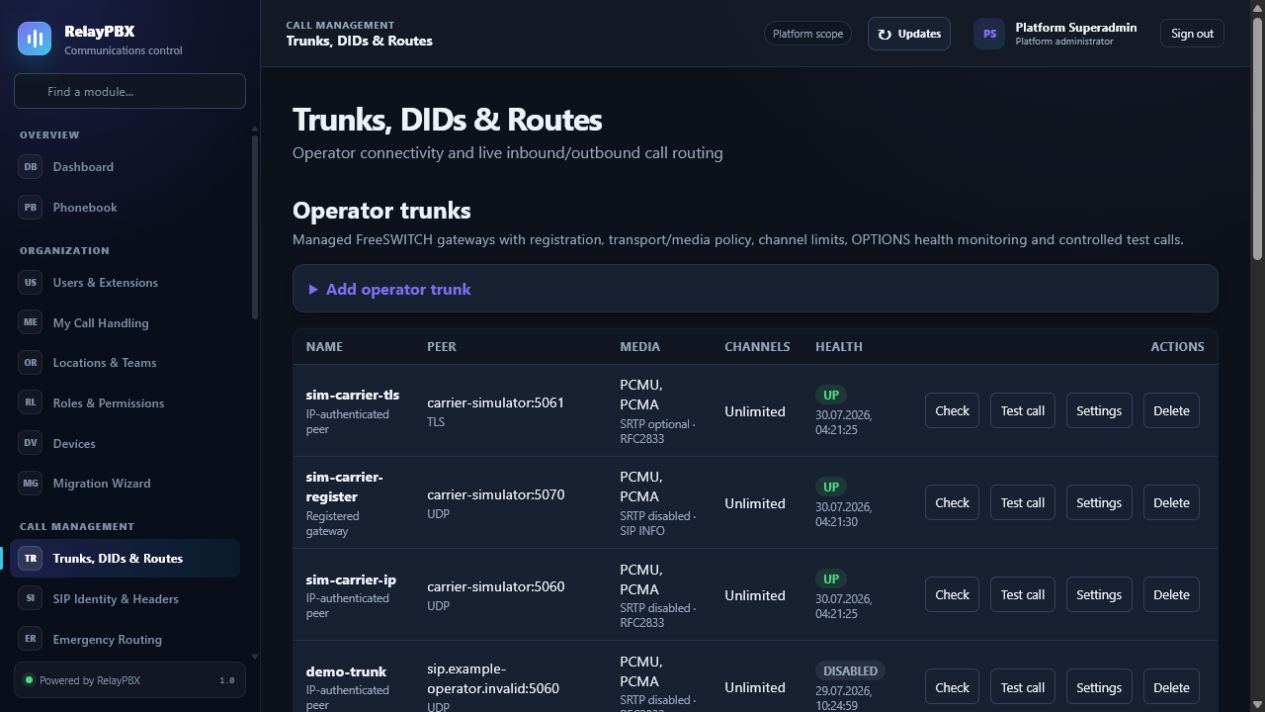 Trunks, DIDs & routesFollow operator health, inbound destinations and outbound policy.
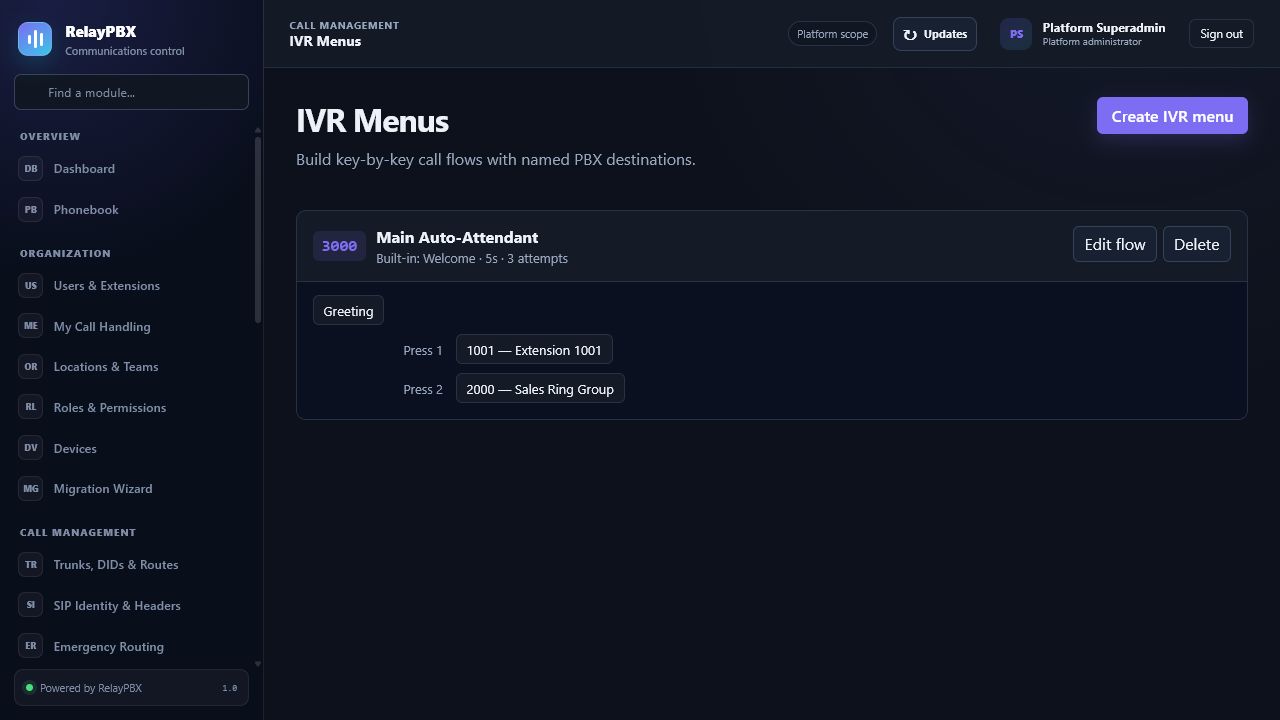 IVR menusVerify prompt, timeout and every typed destination visually.
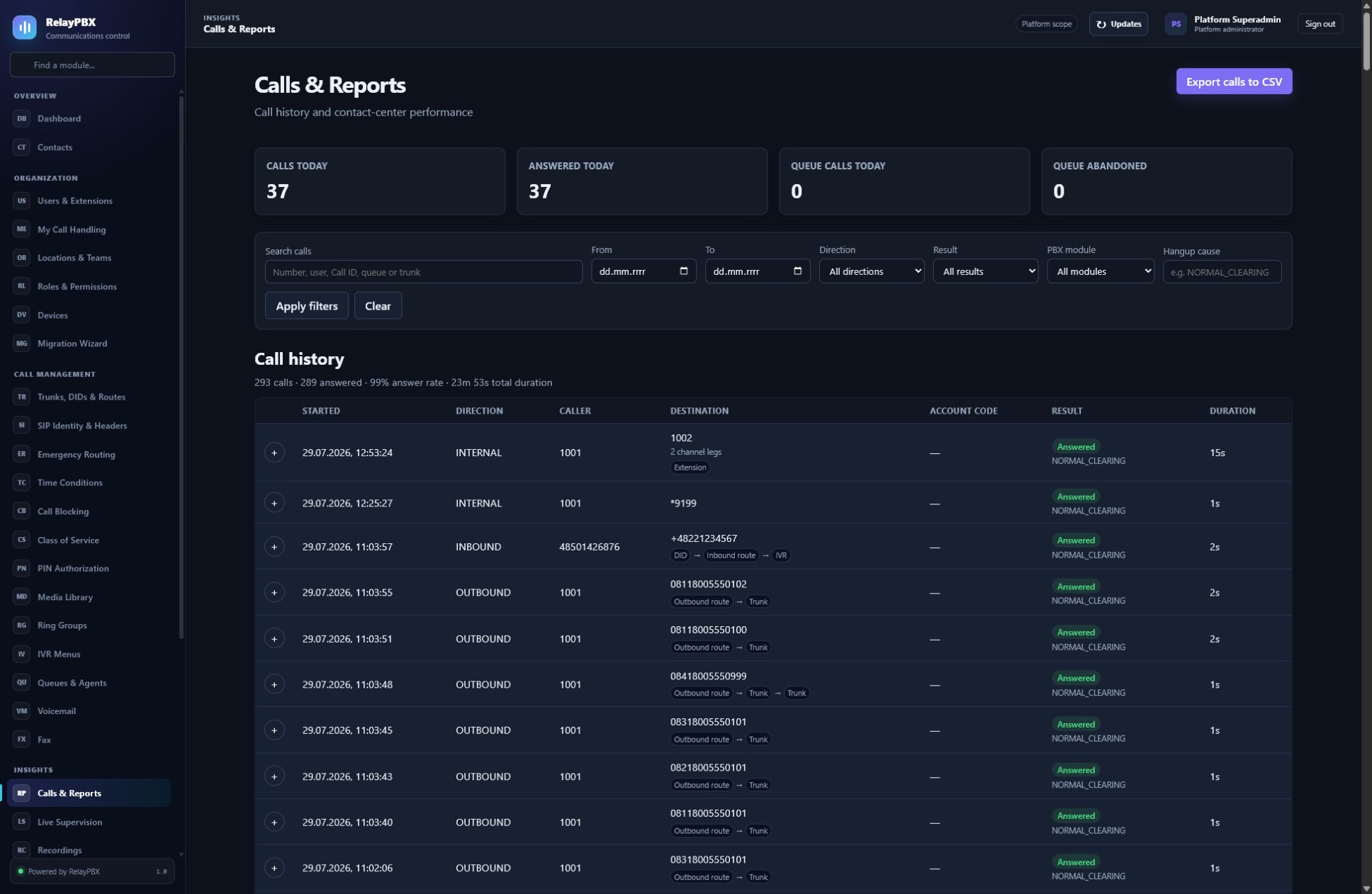 Calls & reportsExpand one logical conversation into module flow and diagnostics.
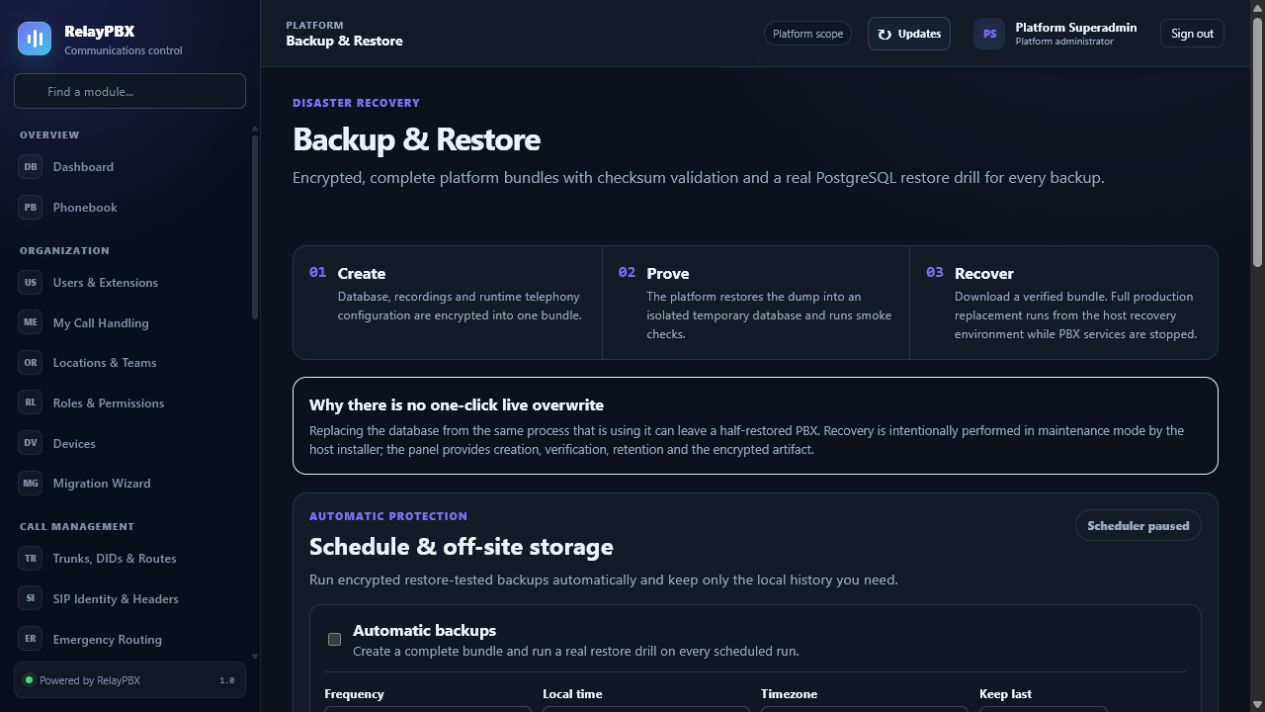 Backup & restoreConfigure off-site retention and prove recovery from the same screen.
Follow the menu structure used in RelayPBX. Each article explains the recommended workflow, every important field and the acceptance check to run after a change.
These public summaries explain the default product behavior. Contract-specific terms, retention and data-processing details are confirmed in the customer order.
Tenant boundaries, role checks, encrypted secrets, TLS and auditable administration are enforced by the platform.
Open security operations →Call data and media stay under the customer's configured access and retention policy. Support receives diagnostics only through an explicit, time-limited grant.
Public-site analytics keeps page paths, referrer domains, coarse device and country data, named click targets and Core Web Vitals for 180 days. It uses no cookies, persistent device identifier, raw IP address, form values or session replay, and respects Do Not Track.
Ask a privacy question →The order records edition, capacity, deployment model, billing cycle and support target before payment or manual activation.
Review commercial policy →Report a suspected vulnerability privately with the affected version and minimum evidence. Never include customer media or unrestricted credentials.
Contact the security team →Screens and field names match RelayPBX 1.0. When an installed release differs, use its matching versioned manual before changing production configuration.