Purpose and location
Operate inbound customer service with a live wallboard, skill routing, agent workspace, SLA and quality review.
Open Call management → Inbound Contact Center. The available controls depend on the active edition, module entitlement, role and tenant scope.
Before you start
Write down the current source and destination path before editing it. Keep a registered test extension, a rollback destination and Calls & Reports open for validation.
Capture the current value or export the affected records before a bulk or routing change. This gives the operator a precise comparison point and makes a supported transaction undo easier to assess.
Step-by-step workflow
Complete the steps in order. Do not combine an initial configuration with unrelated cleanup; small, attributable changes are easier to test and reverse.
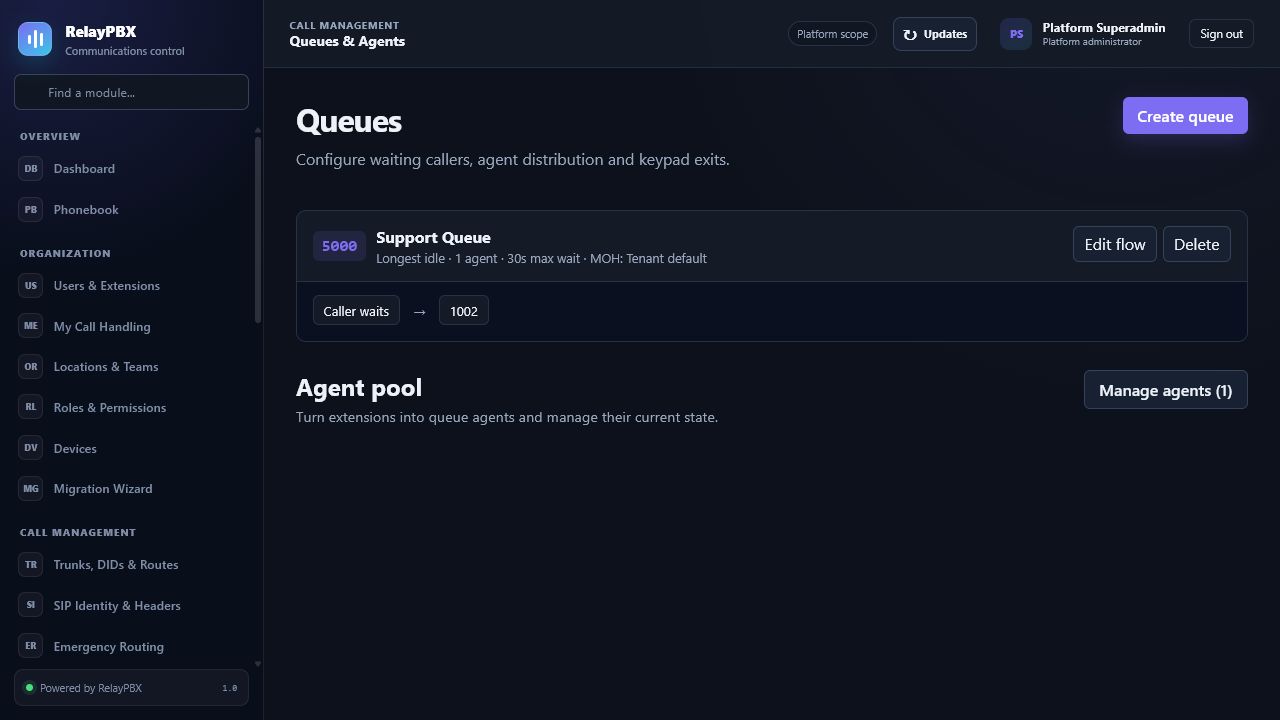
- Create the queue, per-queue service-level target, short-abandon threshold and overflow policy.
- Tag agents with skills and assign only compatible agents to queue tiers.
- Enable callback delivery on an outbound trunk, then let agents schedule dated customer follow-ups from their own workspace.
- Use the wallboard and shared quality workspace to review inbound and outbound service.
Field reference
Use the reference below while completing the form. Fields hidden by edition, module entitlement or role are intentionally unavailable to the signed-in user.
- Wallboard
- Current waiting, offering and answered calls plus offered, answered, abandoned and SLA metrics.
- Required skills
- Tags every assigned agent must have before the queue accepts the assignment.
- Agent workspace
- The signed-in agent's memberships, state, recent calls, scheduled callbacks and pending after-call work.
- Callback
- Caller-requested virtual waiting or a dated agent follow-up; RelayPBX always rings the agent before the customer.
- Service level
- Per-queue answer target; short abandons are reported separately and excluded from its denominator.
- WFM forecast
- Deterministic Erlang C demand and required staffing compared with anonymous scheduled coverage.
- Coverage Planner
- Review-only capacity windows and CSV export; it cannot select employees or apply a schedule.
- Intraday Reforecast
- A bounded four-hour demand adjustment from completed aggregate intervals; preview-only and never an automatic schedule change.
- Dispositions
- Tenant-managed outcomes saved by an agent after an answered call.
- Quality
- A common seven-criterion review process for recorded inbound and outbound calls.
Acceptance checks
A saved record is only the beginning of validation. Run every relevant check below and retain the call-session ID, time and result when telephony is involved.
- Test an available, busy, on-break and logged-out agent and confirm the wallboard changes.
- Attempt an incompatible skill assignment and confirm RelayPBX blocks it.
- Schedule a callback for a test number and confirm it is not attempted early, reserves its creator and rings the agent first.
- Answer and abandon test calls on both sides of the short-abandon threshold, then verify SLA and abandon calculations.
- Complete after-call work and a recorded-call quality review, then confirm the audit trail.
Common mistakes and safe recovery
If a check fails, stop adding changes. Restore the previous value or use a supported transaction undo, regenerate PBX configuration, then repeat the smallest failing test.
- A queue without an overflow destination can strand callers.
- Grant supervisors QUEUES.VIEW or QUEUES.MANAGE deliberately; recording playback also requires RECORDINGS.VIEW.
- A scheduled callback still needs a healthy outbound trunk, available capacity and a lawful basis to contact the customer.
- Forecasts, coverage windows and intraday adjustments are planning inputs, not SLA or labour-law guarantees. Automatic employee assignment, schedule optimization, leave, shift swaps and digital messaging remain outside this production-ready scope.
What to include in a support case
Provide the tenant, module and object name, local time with timezone, expected result, observed result and the most recent successful state. For a call problem, include the logical call-session ID and the redacted SIP/SDP text diagnostic before requesting PCAP.
Never paste passwords, private keys, raw license payloads or unredacted customer media into a ticket. Use the one-time diagnostic grant and attachment controls when support requests additional evidence.