Choose the deployment model
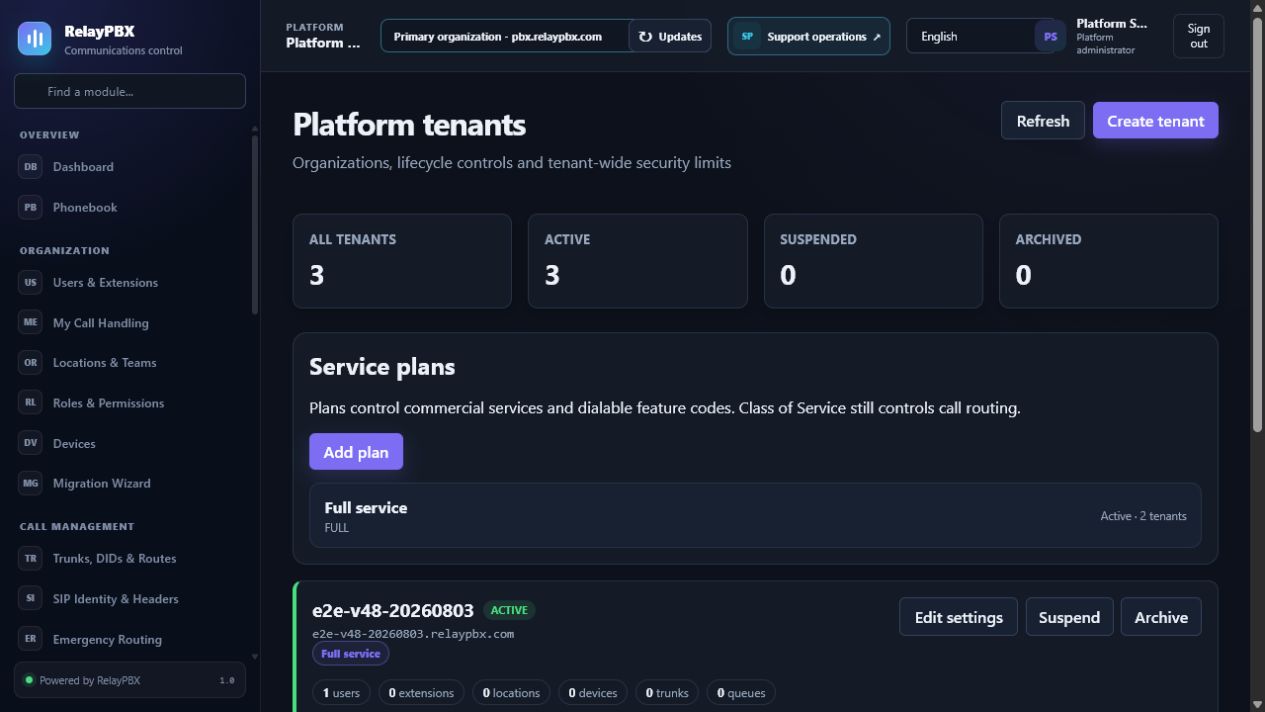
RelayPBX Cloud creates an isolated tenant on our shared infrastructure. RelayPBX Dedicated Cloud creates a dedicated RelayPBX-managed host for the customer. Self-hosted installs on infrastructure controlled by the customer.
Community is available only as self-hosted. Service Provider is not offered on RelayPBX Cloud because RelayPBX remains the service provider for that platform.
- For a RelayPBX hostname, enter the company label used as company.relaypbx.com.
- For a customer domain, prepare the required DNS record and complete certificate validation before user handoff.
- Choose edition, capacity, support level and billing period before payment.
Payment and provisioning states
A successful payment webhook is idempotent: it creates one subscription, one license or tenant entitlement and one provisioning job. Repeated provider notifications do not create duplicate tenants.
The customer portal shows payment, provisioning, activation and onboarding as separate states. A failed provisioning attempt keeps a safe diagnostic and can be retried by an authorized support operator without repeating payment.
- Sandbox payments are clearly marked and never treated as production settlement.
- RelayPBX Cloud validates the requested hostname against reserved RelayPBX names.
- The tenant becomes Active only after domain, isolation and platform health checks pass.
First-use acceptance
Open the assigned hostname, confirm that the organization domain is prefilled, sign in as the delegated administrator and create two temporary extensions.
- Verify the purchased edition and limits in License & Edition.
- Confirm another tenant cannot be enumerated through the interface or API.
- Register two endpoints, place a two-way call and hang up from both sides.
- Remove temporary acceptance credentials or rotate them before customer handoff.